Google Business Profile Views but No Calls? How to Fix It
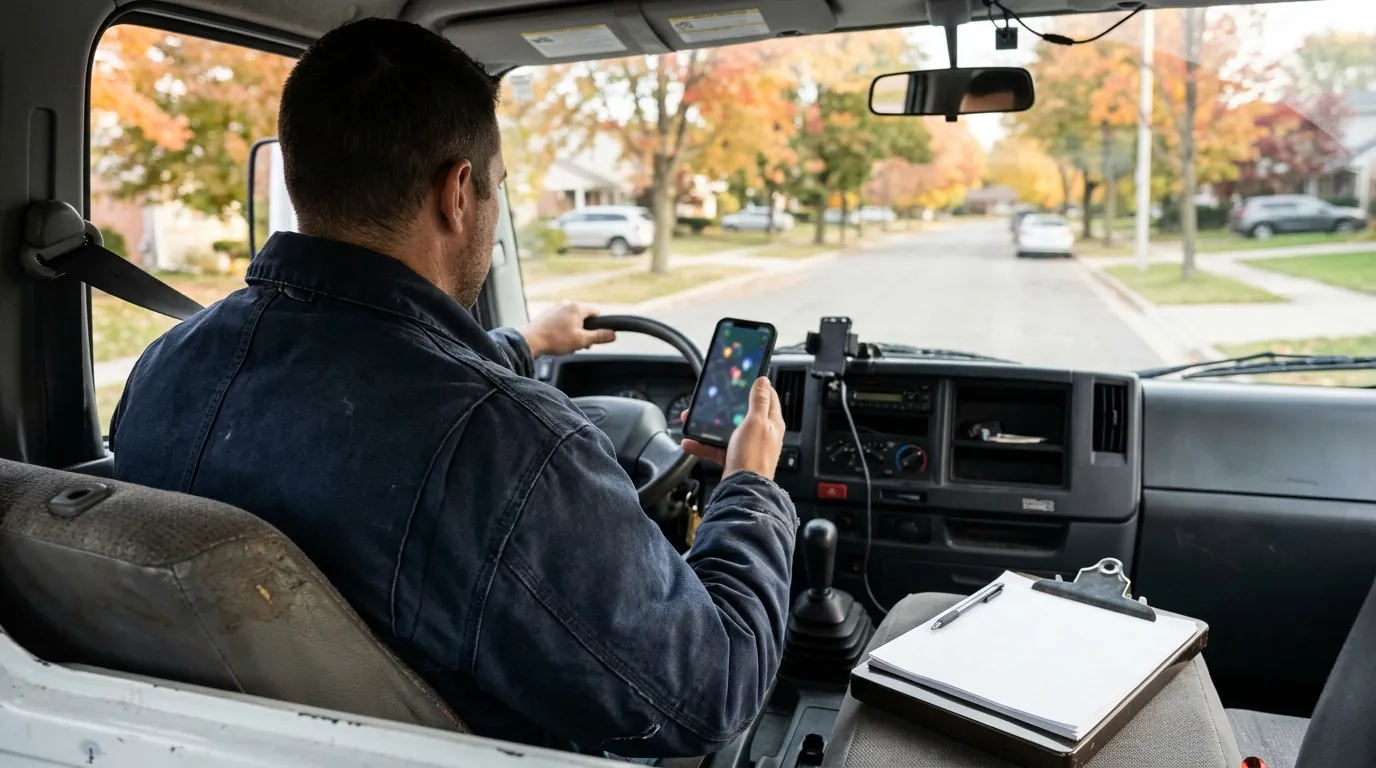
When your Google Business Profile gets views but no calls, people are finding you and then choosing someone else. The fix is rarely more visibility. It is usually a profile that does not win the choice, or a phone that does not get answered.
This guide shows you how to read your numbers first, then walks through the five places calls get lost and what to change in each one.
What your views and calls numbers really count
Start by checking that the gap is real. Google's help page on Business Profile performance explains what each number means.
- Views count unique people who saw your profile on Search and Maps. One person counts once a day.
- Calls count taps on the call button on your profile. They are tracked only if your phone number is on the profile.
- Website clicks count taps on your website link.
- Searches show the terms people used to find you. Google updates them at the start of each month.
Two things follow from this. First, a call in the report is a tap, not an answered call. If the report shows calls but your office says the phone is quiet, the problem may be your phone line, not your profile. Second, many people visit your website from the profile and call from there. Those calls do not show up as profile calls at all.
So look at calls and website clicks together. If both are low next to your views, keep reading.
Check that you show up for the right searches
Views only help if they come from people who need your service. Open the Searches section and read the terms.
If most searches are your own business name, the people seeing your profile already know you. That is good, but it is not new demand. You want to see searches like "water heater replacement" or "emergency plumber" next to your name.
If the terms are off target, check these settings:
- Primary category. Pick the one that matches your main paid work, not a broad one.
- Secondary categories. Add only the ones you really do.
- Service area. List the towns you actually serve. A huge area can bring views from people you will never drive to.
- Services list. Add each service you sell, with a short plain description.
Make your profile easy to choose
Most people compare two or three profiles before they call. Yours needs to answer their next question faster than the others do.
Look at your profile on your phone, the way a customer would. Then check:
- Hours. Are they right, including holidays? Wrong hours send callers to a closed office.
- Phone number. Is it the line someone actually answers? It should match the number on your website.
- Photos. Do they show real jobs, your trucks and your team? Stock photos do not build trust.
- Description. Does it say what you do and where, in plain words?
- Updates. Recent posts show the business is active.
Our Google Business Profile guide for contractors covers each of these settings step by step.
Look at your reviews the way a customer does
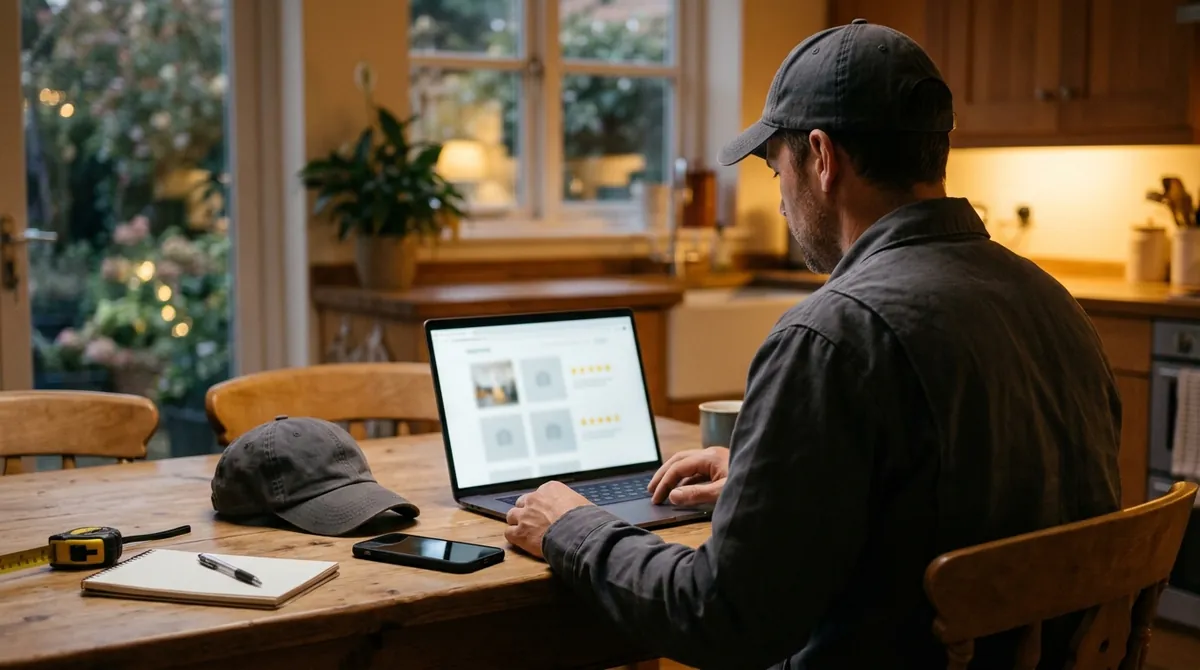
Reviews are often the deciding factor between two profiles that look the same. Customers look at three things.
How many you have. A competitor with many more reviews looks safer, even if your work is better.
How recent they are. Reviews from two years ago tell a customer little about who answers the phone today.
How you reply. A short, calm reply to every review, good or bad, shows that a real person runs the business.
The fix is a simple habit. Ask every happy customer for a review when the job is done, and make it easy with a direct link. Never offer anything in return, and never have staff review your own business. Google's content policy for Maps bans reviews given for an incentive and reviews with a conflict of interest.
Check what happens when someone taps call
This is where many service businesses lose the most jobs, and it is the hardest leak to see. Ask yourself:
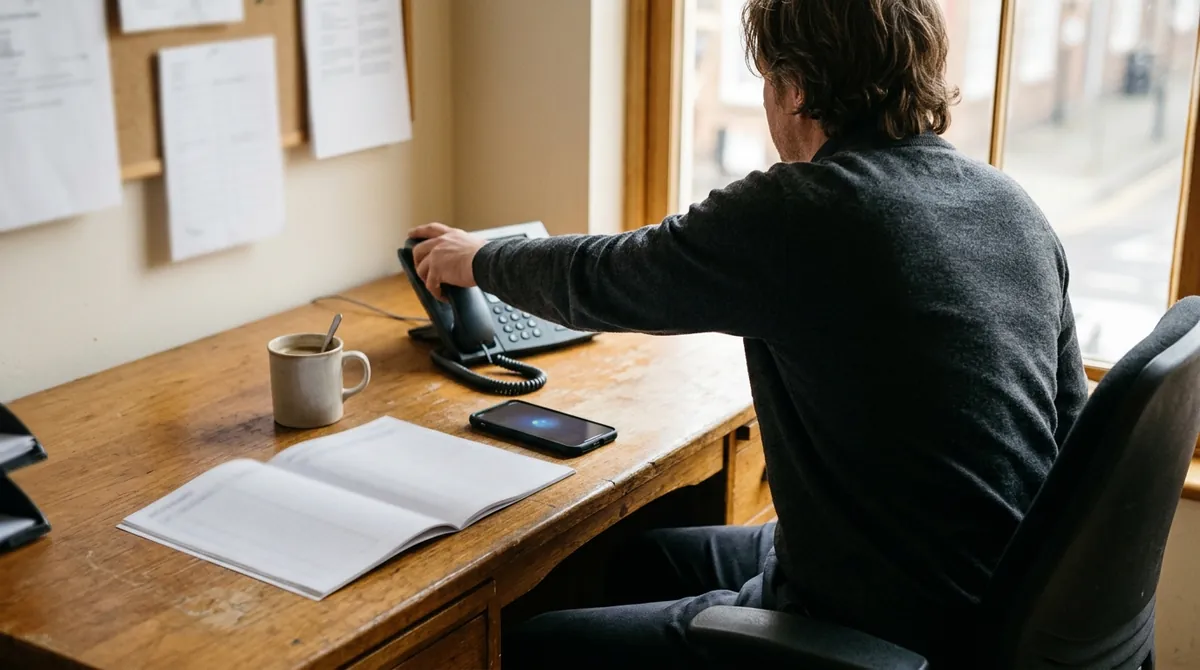
- Who answers when the crew is on a job site?
- What happens to calls after hours or at lunch?
- Does voicemail ask for a name and number, and does anyone call back the same day?
- Does the number on the profile ring the right phone, or an old line?
Call your own number from the profile at a busy time of day. Then do it again after hours. What you hear is what your customers hear.
If calls are going to voicemail, the profile is doing its job and the follow-up is not. A missed call service, call forwarding to a second phone, or a quick text back can recover many of those leads.
Check where the website click goes
Some customers tap your website link before they call. If that link goes to a slow home page with the phone number hidden, you lose them there instead.
Point the profile link to a page that matches what people search for, with your phone number at the top. Then add tracking tags to the link. Google's URL builder guide shows how to add utm_source, utm_medium and utm_campaign tags. Those visits then show up in the Traffic acquisition report in Google Analytics, apart from your other traffic.
If your site gets traffic but few calls or forms, read why a website gets traffic but no leads.
When to get help
Work through the checks above in order. Most owners find one or two clear gaps, often the phone handling or the reviews.
If you fix those and calls still lag behind views, the problem usually sits across several places at once. The profile, the website, the follow-up and the tracking all play a part. That is what our Service Business Growth System is built for. It connects your profile, website, follow-up and tracking so you can see which calls turn into booked jobs.
Want a second opinion first? Book a free growth plan. A person on our team reviews your profile, your call handling and your tracking, and shows you where to start. There is no obligation.
Frequently asked questions
Want to see where you stand?
Get a free Growth Audit showing where demand, conversion, retention, and measurement are disconnected across your business.
Get Your Free Growth PlanRelated articles
The Complete GBP Optimization Guide for Contractors