How to Get More Google Reviews as a Contractor
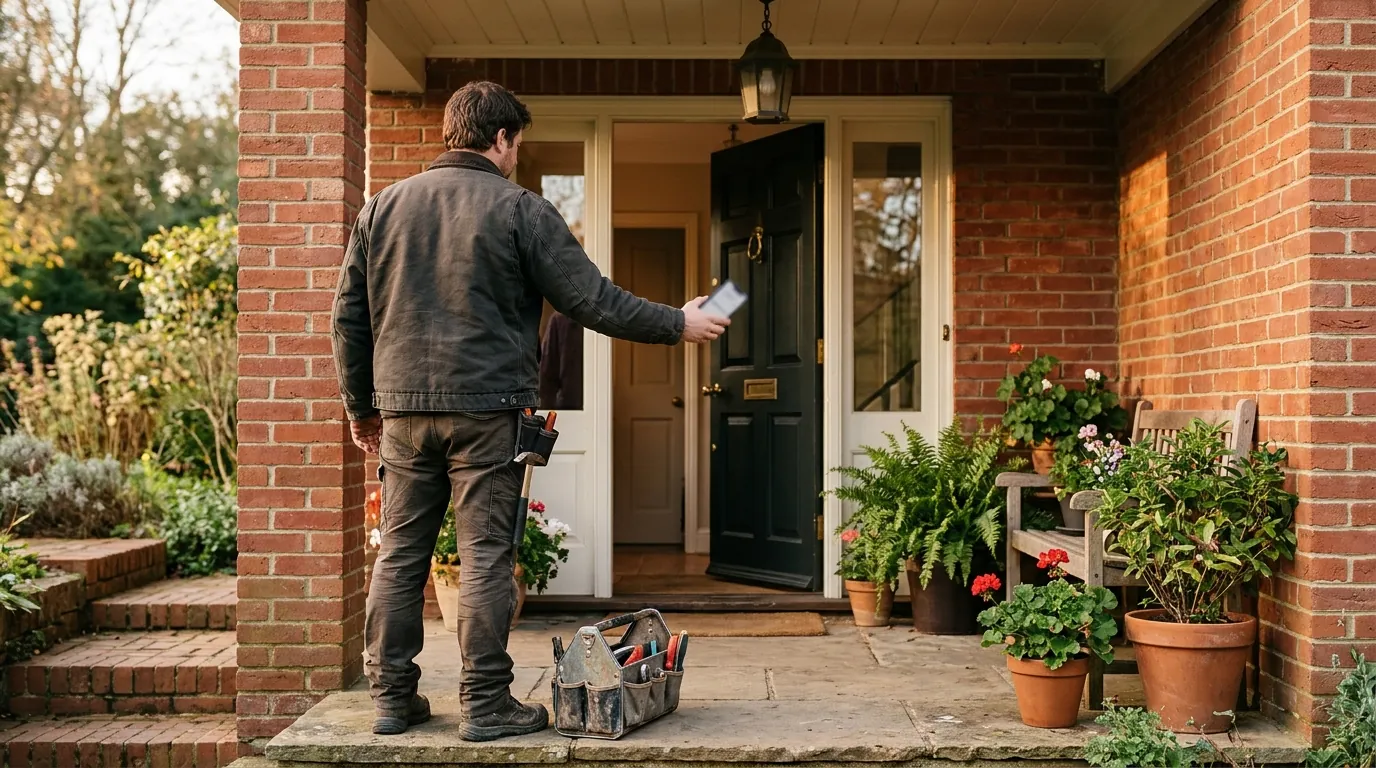
The way to get more Google reviews as a contractor is to ask every customer, at the end of every job, with a direct link that takes them straight to the review form. Most happy customers will leave a review if you ask at the right moment and make it take less than a minute.
This guide covers when to ask, how to get your review link, a request process that fits a working crew, and the rules Google enforces so your reviews do not get removed.
Why Google reviews matter so much for contractors
When a homeowner searches for a plumber, roofer or painter, they usually compare two or three businesses on the map before calling. Reviews are often what decides it. A profile with many recent reviews looks like a safer choice than one with a handful from years ago.
Reviews also help Google decide which businesses to show. Google's own Local Services Ads ranking page lists your rating and number of reviews as part of profile quality. And they give customers the plain-language detail they look for: who showed up, whether they cleaned up, and whether the price matched the quote.
If your profile gets views but few calls, thin or old reviews are a common reason. Our guide on Google Business Profile views but no calls explains how to check that.
Ask at the moment the customer is happiest
Timing matters more than wording. The best moment is right after the job is finished and the customer can see the result: the water is hot again, the deck is stained, the junk is gone.
That moment is short. A request sent a week later competes with everything else in their inbox. A request made in person, followed by a text with the link the same day, gets the best response.
Build the ask into the end of every job:
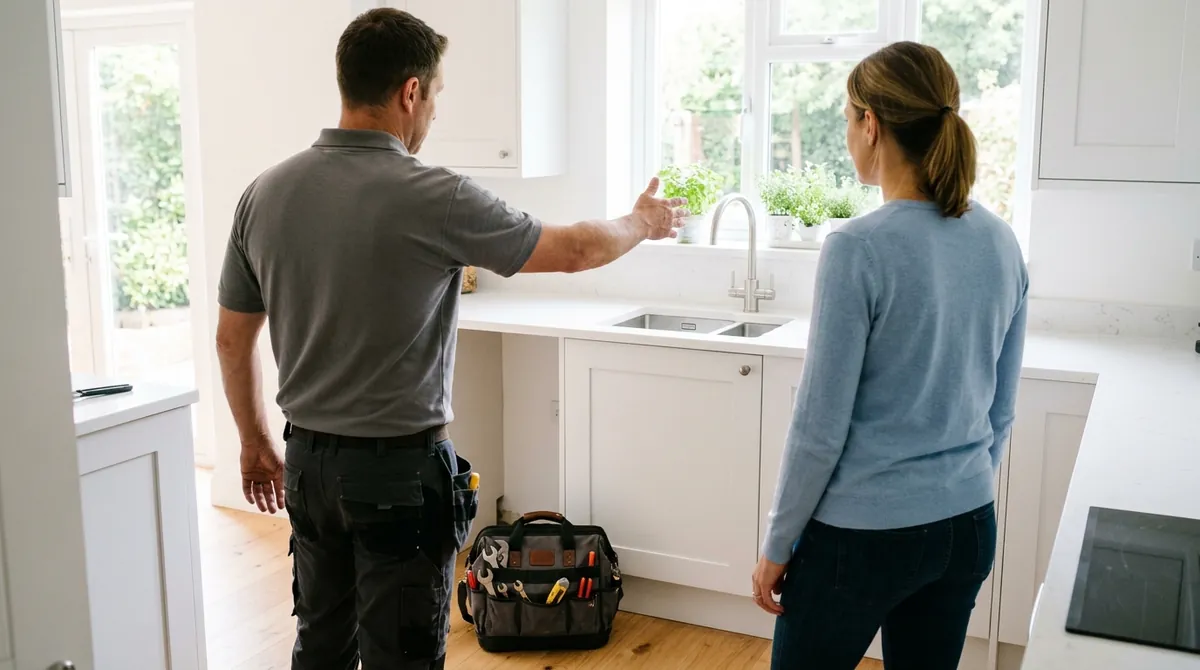
- The tech or owner asks in person. "Happy with the work? A quick Google review really helps a small business like ours."
- A text or email with the review link goes out the same day, ideally within an hour or two.
- One reminder a few days later if they have not left one. Then stop.
Ask every customer, not just the ones you expect to be happy. Google's Maps content policy says businesses must not selectively solicit positive reviews from customers. Asking everyone is also how you find out about a problem before it becomes a public complaint.
Get your review link and make it easy to use
The biggest drop-off happens when a customer has to search for your business and hunt for the review button. Send a direct link instead.
Google's help page on creating a link or QR code to request reviews shows the steps. On a computer, go to your Business Profile, select Read reviews, then Get more reviews, and copy the link or save the QR code.
Then put the link where customers already look.
- Add it to the text message your office sends when a job is closed.
- Put it in your invoice or receipt email.
- Print it on the card or leave-behind sheet your techs hand over.
- Add the QR code to the back of a business card or the job folder.
- Include it in your follow-up email sequence, if you have one.
Keep the message short. A good review request text reads like this: "Thanks for choosing us today, Sarah. If you have a minute, a Google review helps other homeowners find us: [link]. Thanks, Dave."
What Google does not allow
Reviews that break Google's rules can be removed, and a pattern of them can put your profile at risk. Google's help page on getting reviews and its Maps content policy are clear on the main points.
No incentives. You cannot offer a discount, a gift card, a free service or entry into a draw in exchange for a review. That includes offering something to change or remove a negative review.
No review gating. You cannot ask only the customers you think are happy, or send unhappy customers to a private form and happy ones to Google. Google's policy says you must not discourage negative reviews or selectively solicit positive ones.
No reviews from your own team. Owners, employees and family members should not review the business. Google treats that as a conflict of interest, and current or former employment counts.
No pressure on site. Google's policy says businesses should not require or pressure customers to leave reviews while on the premises. Ask politely and let the customer do it on their own time.
No buying reviews or review swaps with other businesses.
The honest route is slower in the first month, but the reviews stay. A steady stream of real reviews is worth far more than a burst that gets filtered out.
Reply to every review, good or bad
Replies show future customers that a real person runs the business. They also give you a second chance with an unhappy customer.
- Positive reviews: thank the customer by name and mention the job in plain words. "Thanks, Sarah. Glad the new water heater is working well."
- Negative reviews: stay calm, keep it short, and take the conversation offline. "Sorry to hear this, Mike. Please call our office so we can make it right."
- Reply within a few days. A reply weeks later reads as an afterthought.
Google's help page notes that a mix of positive and negative feedback often feels more trustworthy to customers. One fair complaint with a thoughtful reply can build more trust than a wall of five-star ratings.

Make reviews a system, not a one-time push
Most contractors get a burst of reviews after a reminder from their marketing company, then nothing for months. Customers notice when the newest review is a year old.
The fix is to make the request automatic. When a job is marked complete in your CRM or job software, the review text goes out on its own. Someone checks new reviews each week and replies. Every month you look at how many new reviews came in and whether one tech or one service is getting more complaints than the rest.
This is part of the retention and follow-up layer in our Service Business Growth System. It connects your job workflow, your follow-up messages and your Google Business Profile so review requests go out after every job without anyone having to remember.
Not sure where your profile stands? Book a free growth plan. A person on our team will review your profile, your reviews and your follow-up, and show you where to start. There is no obligation.
Frequently asked questions
Want to see where you stand?
Get a free Growth Audit showing where demand, conversion, retention, and measurement are disconnected across your business.
Get Your Free Growth PlanRelated articles

Google Business Profile Views but No Calls? How to Fix It